India Passport & OCI Photo Maker (2×2 in)
Turn any headshot or selfie into an official-size passport, visa or ID photo in about 30 seconds. Free instant compliance check, print-ready sheet included. No account, no app.
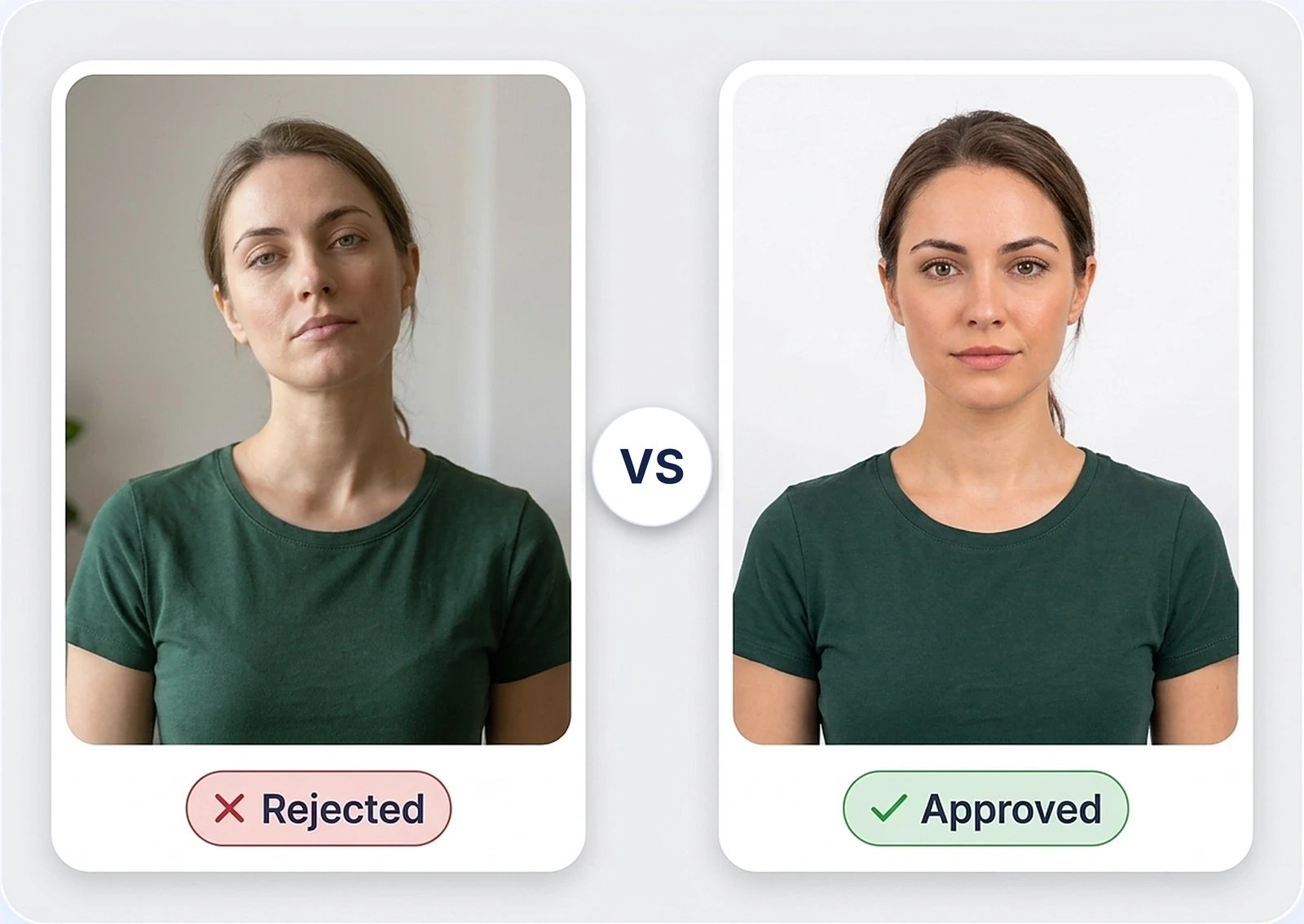
Formatted to Official Government Standards
- Choose document
- Add photo
- Pass the checks
- Download
Preview is watermarked until you unlock. Acceptance is decided by the issuing authority and can’t be guaranteed.
New photo after paying? One payment covers one photo, plus a free retake within 90 days if it’s rejected.
Your photo is saved on this device (never uploaded) for 24 hours, so a reload won’t lose it.
Your photo isn’t saved on this device (private browsing, or you deleted it), so download your files before closing the tab.
Canadian passport, PR card and citizenship photos must be printed by a commercial studio, with its stamp and date on the back. A home print sheet isn’t accepted, so none is offered here.

 BeforeAfter
Before you shoot
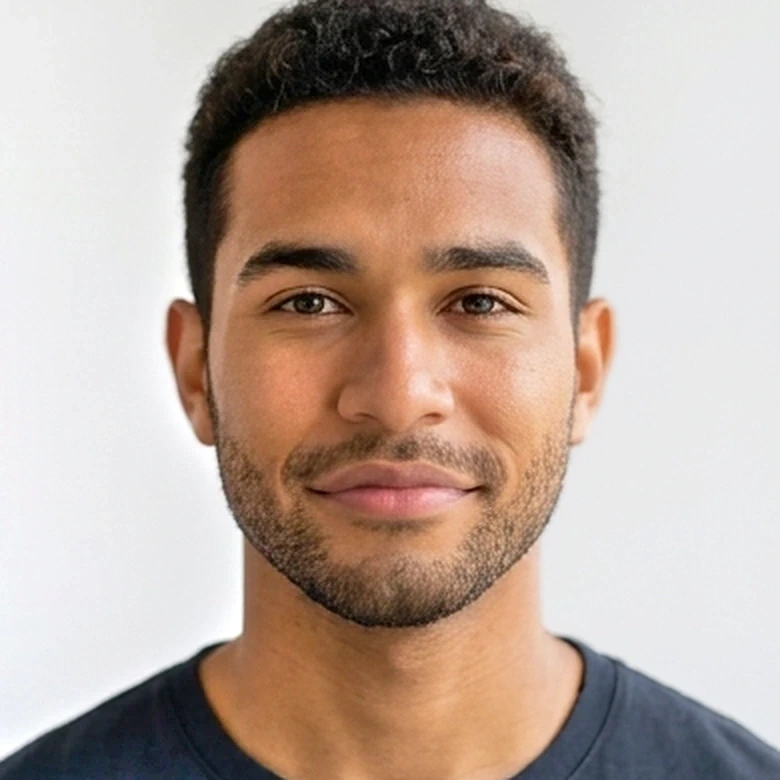
Most rejected photos fail for simple reasons. Get these four right and the checks will mostly pass on the first try. (Pictures are sample illustrations.)
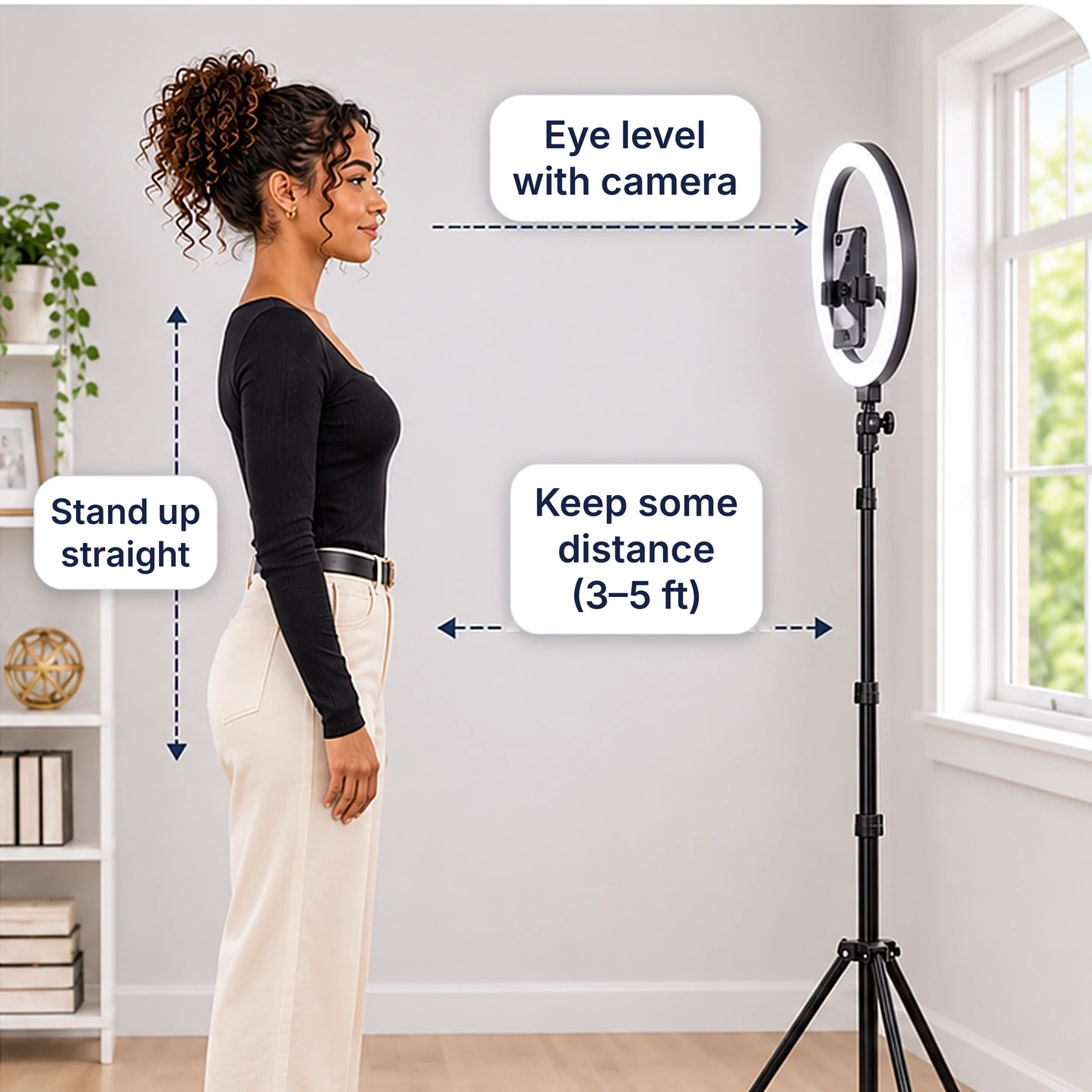
Stand tall, 3–5 ft away
Stand upright with your eyes level with the lens. Distance keeps more pixels for a sharp print. For the sharpest result, use the rear camera with the timer.
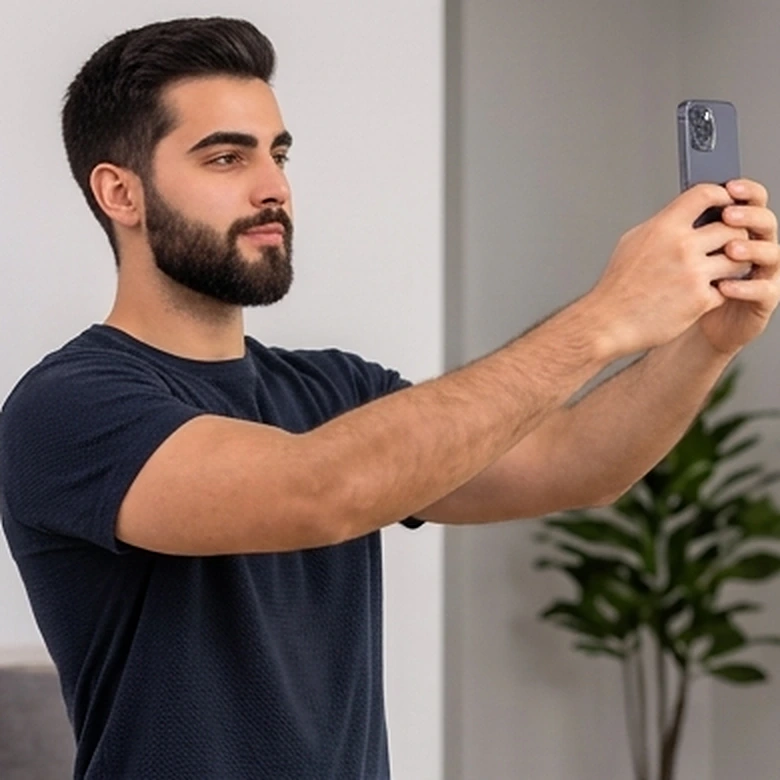
Step back
Stand straight with the phone at least 1.5 feet from your face. Selfie distance stretches faces.
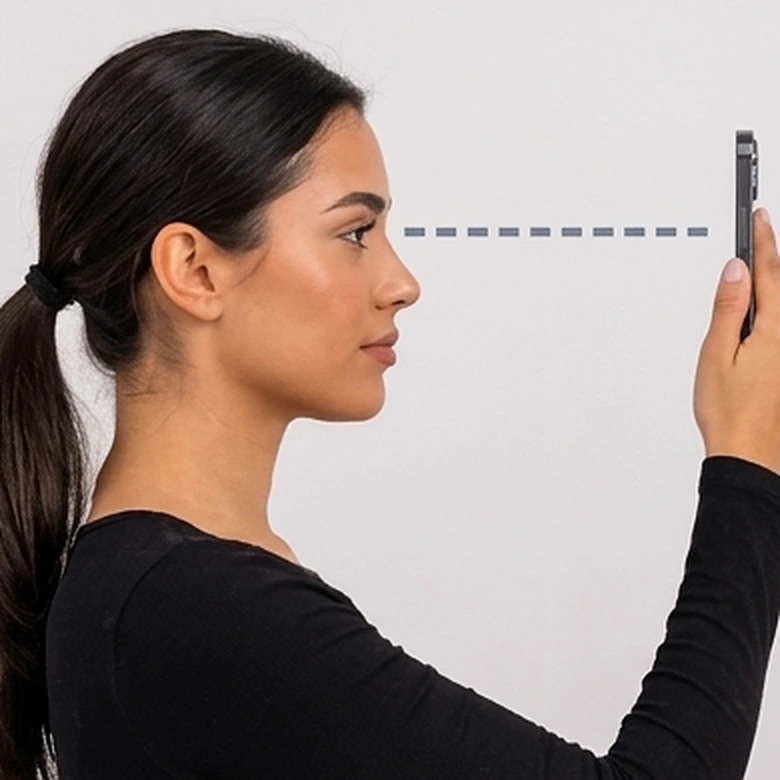
Phone at eye level
Hold the camera level with your eyes and look straight into the lens with a relaxed, neutral expression.
Face the light
Stand in front of a window or bright light so it falls evenly across your face, with a plain, light wall behind you.
How it works
Three steps, usually under a minute.
Add your photo
Choose your document, then take a photo or upload one. The face detector runs right in your browser.
Fix what’s flagged
You get instant feedback on head turn, expression, lighting, background and framing, plus guide lines on the preview.
Unlock and print
Pay $6.99 CAD (approx. $4.99 USD) once to download the exact-size file and a 4×6 in sheet. Re-crop as often as you like, swap in new photos until you download, and get one free retake within 90 days if it’s rejected.
Never altered. Never AI-edited.
Passport and visa authorities require an unedited photo of you, so that is exactly what we deliver.
✂️ What we do
We check your photo against the official rules, then crop and resize it to the exact size. Nothing else changes.
🚫 What we never do
No AI retouching, no background changes or whitening, no brightness or colour edits, no filters, no skin smoothing.
🖼️ About the pictures here
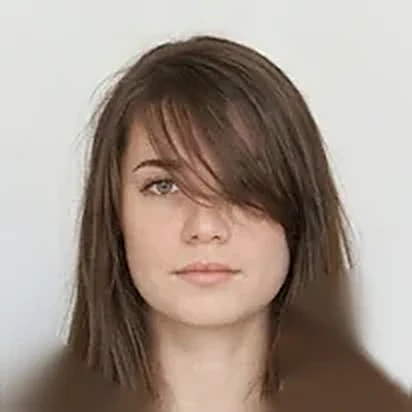
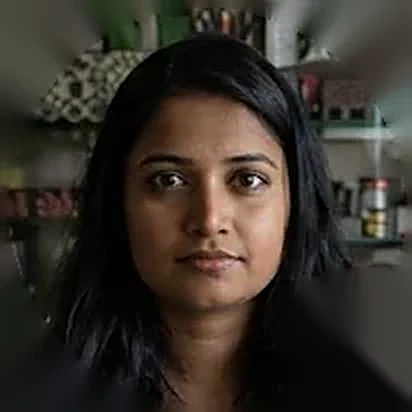
The photos on this site, including the sample photo, are AI-generated illustrations. Your photo is never generated or altered by AI.
Requirements at a glance
The key rules for the document you picked. Always confirm the latest details on the official government page before you apply.
Common reasons photos get rejected
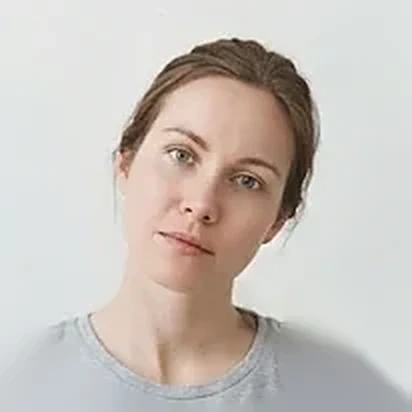
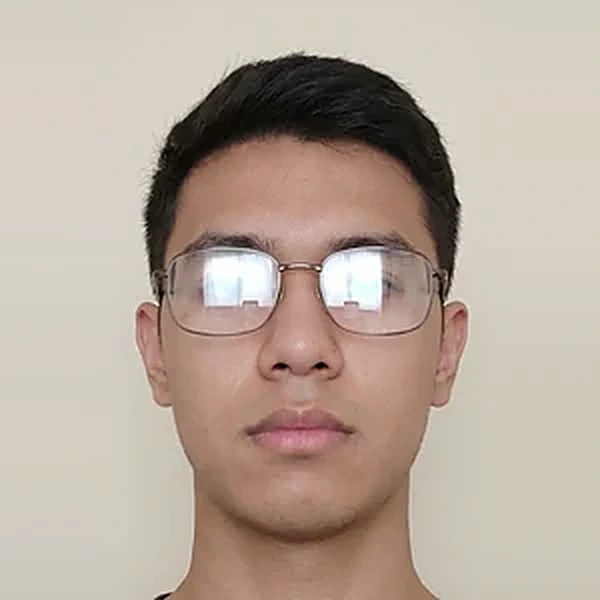
Check these before you upload. (Sample illustrations.)

Why people use GlobalIDPhotos
🛡️ Truly private
Detection, cropping and resizing happen on your device. Your face is never uploaded or stored.
💡 See it before you pay
The full check and preview are free. You only pay once your photo passes our compliance check.
🖨️ Print for pennies
A true-size 4×6 in sheet, ready to print at almost any photo kiosk or photo lab: Walmart, CVS, Costco, Shoppers or Boots in North America and the UK, or a local pharmacy or photo shop anywhere else.
Questions
Is my photo uploaded anywhere?
No. The detection models download to your browser and run there. If you use “Free retake”, only the email you type is sent, to find your payment. After you pay, your photo is also saved on your own device for 24 hours so an accidental reload doesn’t lose it. It is never sent to us, and you can delete it any time. How your photo stays private
What does $6.99 CAD include?
For your photo: the digital file and, where the agency accepts home prints, the 4×6 in print sheet, with unlimited re-crops and document changes. You can also swap in new photos as often as you like until you download one, and it includes one free retake after that (see below). It’s a one-time payment of $6.99 CAD (approx. $4.99 USD), with no subscription.
What if my photo is rejected?
Until you download your photo, you can take or add new photos as often as you like, with no extra cost. After you download, every purchase includes one free retake within 90 days of payment. Click “Free retake” in the menu, enter the email you used at checkout, then add your new photo and it unlocks. We verify the email against your payment, and each purchase gets one retake. Your photo is never stored on our servers, so keep your downloaded files. Read the Free Retake Policy
I reloaded or closed the page after paying
No problem. For 24 hours after you pay, reopening this page in the same browser restores your paid photo already unlocked, so you can download it. This only works in the same browser on the same device, and not in private browsing. Your free retake is kept for a rejected photo.
Do you edit my photo or use AI on it?
No. We never retouch, filter, whiten the background, change the brightness or colour, or use AI on your photo. We only check it, then crop and resize it to the official dimensions. If a check fails, we tell you what to fix so you can retake it. Read our promise.
Will my photo be accepted?
We build around published specifications and flag common problems, but the issuing authority decides. We can’t check for glasses glare, head coverings or hair over the eyes, so review those yourself.
Will the file meet an online portal’s size limit?
After you unlock, choose a portal preset or a size cap under “Digital file size”. We compress to the sharpest JPEG that fits and only shrink the pixels if needed. Portals change their limits, so confirm them on the official upload page.
Can I use this for a paper application?
Yes, in many cases. The digital file works for online applications, and the print-ready 4×6 in sheet can be printed at a kiosk or photo lab for paper applications that accept ordinary printed photos. A few paper applications also need a studio stamp or a guarantor’s signature on the printed photos, which a home print can’t provide. Canadian passports, PR cards and citizenship certificates need a commercial studio photo (stamp and date on the back, or the studio’s receipt details online), and Australian passports need two printed photos (adult renewals need no guarantor, just your full name on the back of one photo; child and new paper applications need a guarantor’s signature).
Where do the specifications come from?
For every country we support, we list only documents whose specifications come directly from the official government or issuing-authority source. Where an official source is missing, incomplete or contradicts another, we don’t offer that document yet. Authorities update their rules, so confirm on the official page before you apply.
What about babies and young children?
Authorities often relax some rules for them, so our strict checks may flag photos that would be accepted. Follow the official guidance for children.